Productivity & Development
Notepad++
A fast Windows text and source-code editor with tabs, syntax highlighting and powerful search tools.
Our editorial review
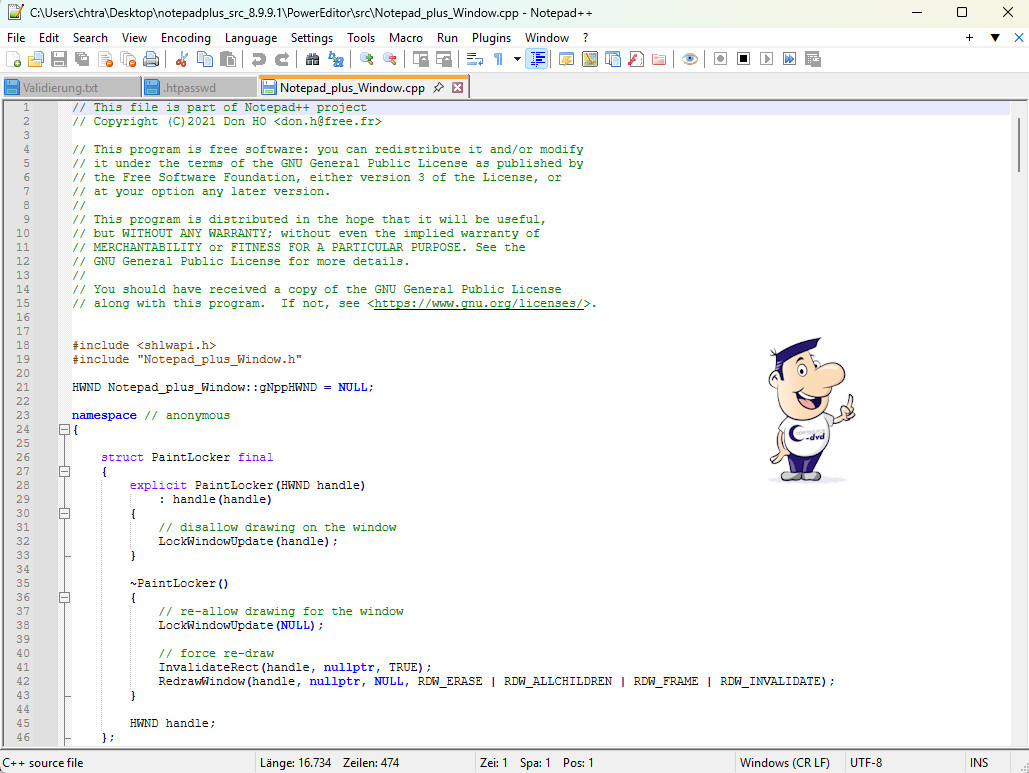
Notepad++ is a fast, lightweight text editor with syntax highlighting for many programming and markup languages, including C++, Java, XML, HTML, PHP, JavaScript, SQL, CSS, Pascal, Perl and Python. Related blocks of code can be folded to keep longer documents easier to navigate, and several files can be edited at the same time using tabs.
Useful everyday functions include search and replace, bookmarks, line numbers, auto-completion, spell checking and zoom. The macro recorder can capture keystrokes and replay them later, which is handy for recurring text or editing sequences. A plug-in manager extends the editor with additional functions without turning the basic program into a heavyweight development environment.
Why we recommend it
We recommend it because it starts quickly, handles plain text exceptionally well and adds just enough development-oriented features to be useful to programmers, website maintainers and power users.
Strengths
- Fast and lightweight
- Tabbed editing
- Syntax highlighting for many languages
- Powerful find/replace and plug-in support
Things to consider
It is not a full IDE, so large software projects may still require dedicated build, debugging and project-management tools. It is primarily a Windows application.
Reviewed by Christian Trabi / OpenSource-DVD
Tested version: 8.9.8.1
Test platform: Windows 11, 64-bit
Last reviewed: November 2026
DIRECT DOWNLOAD
Download Notepad++ 8.9.8.1
Download the Windows version directly from the OpenSource-DVD.org server.
SOURCE CODE
Download Notepad++ source code
Download the source archive for this open source project.
Project information
Visit the official project page for documentation, release notes and additional project information.