Files & Archives
PeaZip
A graphical archive manager that opens, creates and manages a broad range of compressed formats.
Our editorial review
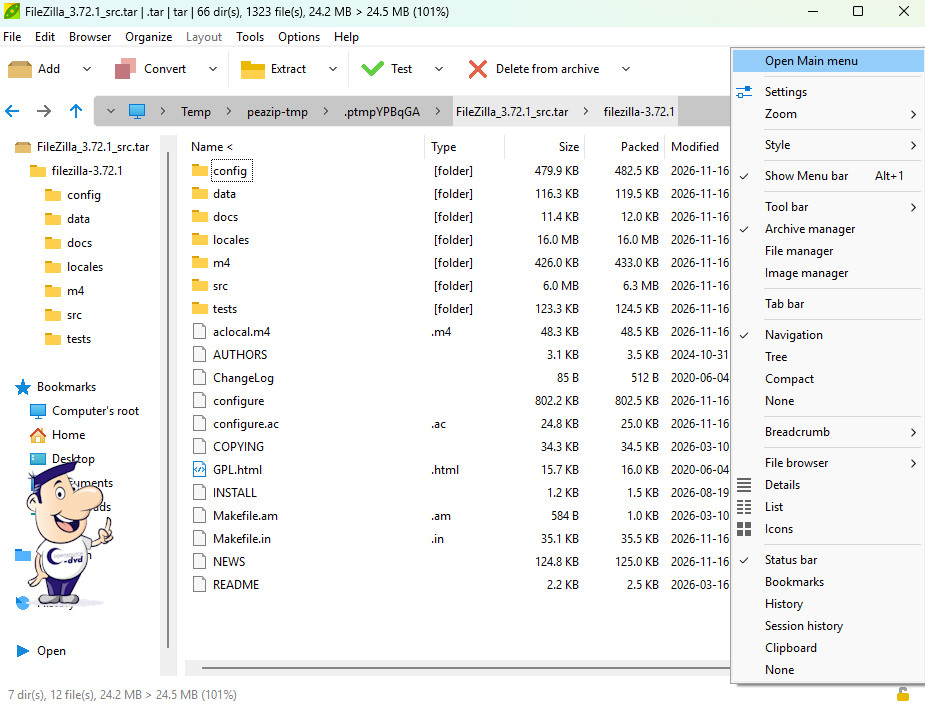
PeaZip handles both common archive formats and a number of less frequently encountered ones. New archives can be created in formats such as 7z, ZIP, TAR, GZip and BZip2, while self-extracting archives are also possible. Large files can be split into smaller numbered parts, which can be useful when a file has to be distributed in limited-size chunks.
The program also acts as a graphical front end for several archive-related tools and provides a convenient alternative to using separate utilities for different formats. We particularly like it for users who regularly receive archives from different sources and want one consistent interface for packing, unpacking and inspecting them.
Why we recommend it
We recommend PeaZip because Windows’ built-in ZIP support covers only basic needs. PeaZip is useful when downloads arrive in different archive formats or when users need stronger archive-management and encryption features.
Strengths
- Broad archive-format support
- Archive testing and encryption options
- Clear graphical interface
- Useful file-management extras
Things to consider
Not every archive format can be created even if it can be opened. Some advanced compression options may be unnecessary for casual users.
Reviewed by Christian Trabi / OpenSource-DVD
Tested version: 11.4.0
Test platform: Windows 11, 64-bit
Last reviewed: November 2026
DIRECT DOWNLOAD
Download PeaZip 11.4.0
Download the Windows version directly through OpenSource-DVD.org.
SOURCE CODE
Download PeaZip source code
Download the source archive for this open source project.
Project information
Visit the official project page for documentation, release notes and additional project information.